How to Stay Healthy Working From Home: 7 Daily Habits
Keep regular hours, set up your desk, get up every 30 minutes, rest your eyes, move 150+ minutes a week, sleep 7+ hours and stay in touch with people.

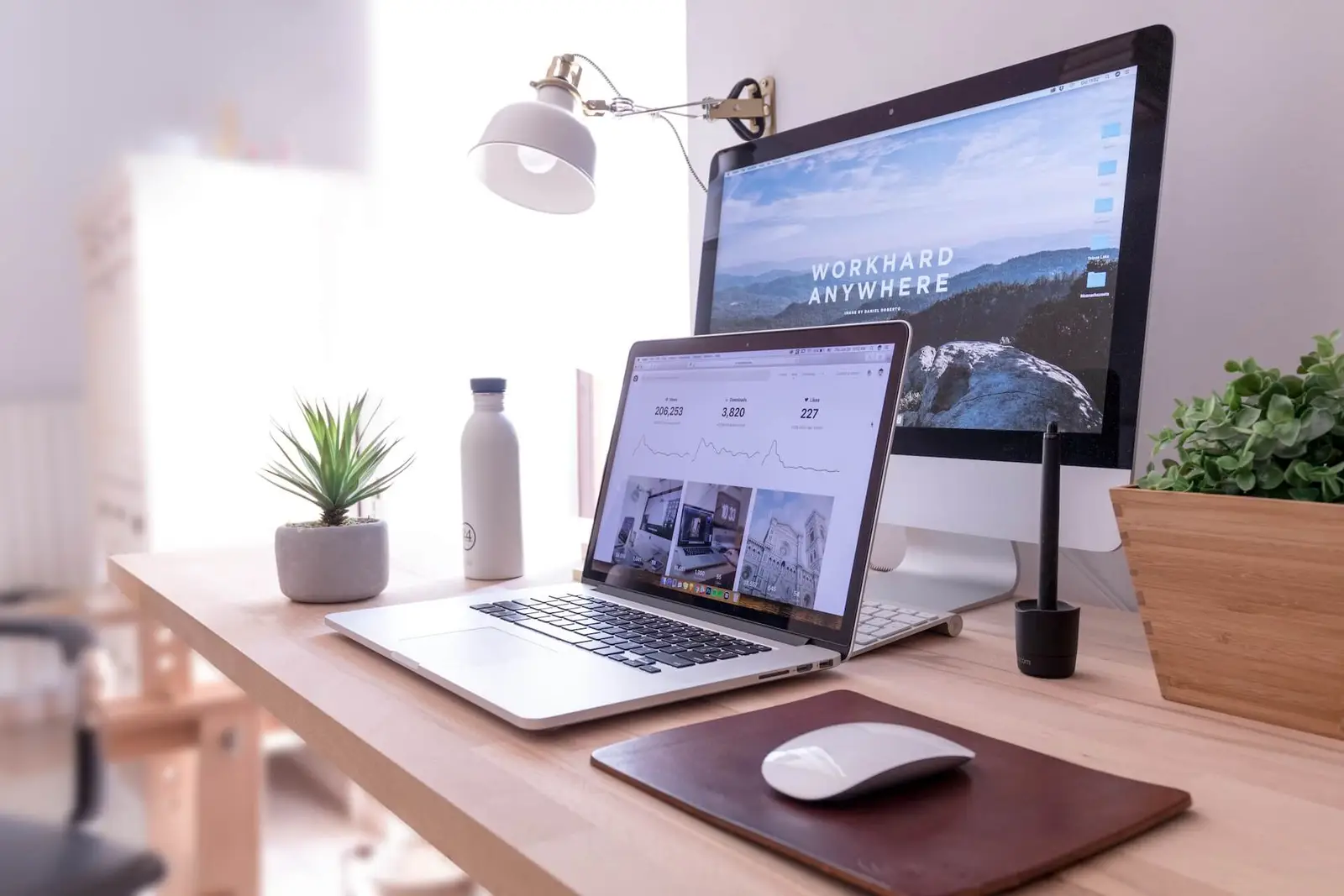
In short
To stay healthy working from home, build a few habits into each day: keep regular hours, work at a desk that fits you, get up about every 30 minutes, rest your eyes, get 150 to 300 minutes of moderate activity a week, sleep at least 7 hours, and stay in touch with people. None of them takes long, and together they help make up for the walking and conversation an office day often includes.
Why working from home needs a plan
At home, the small trips that broke up an office day can disappear. There is no walk to a meeting room, and the kitchen is a few steps away. Your bed, couch and desk may share one room. It is easy to sit for hours, work late and go days without talking to anyone outside a video call.
The seven habits below each address one of those gaps. They are simple on purpose, so you can keep doing them.
1. Keep regular hours, including sleep
Pick a start time and an end time and stick to them on most days. A clear end to the workday also protects your evening and your sleep.
The CDC recommends that adults aged 18 to 60 get 7 or more hours of sleep a night. Its tips include going to bed and waking up at the same times each day and turning off electronic devices at least 30 minutes before bed. Working on a laptop in bed makes both harder, which is one more reason to give work its own place.
2. Work at a desk that fits you
The couch and kitchen table are fine for an hour. For a full day, set up a proper desk. The basics from OSHA's workstation guide:
- Feet flat on the floor or on a footrest.
- Elbows close to your body, bent 90 to 120 degrees.
- Wrists straight, keyboard directly in front of you.
- Screen at least 20 inches (about 50 cm) away, with the top line at or below eye level.
If you use a laptop, a stand plus a separate keyboard and mouse fixes most problems. Go through the full ergonomic desk setup checklist once, and you will not need to think about it again.
3. Get up about every 30 minutes
Long, unbroken sitting is the habit to watch. In a 2017 study of nearly 8,000 US adults, people who kept most of their sitting bouts under 30 minutes had the lowest risk of death. The study was observational, so it cannot prove that the breaks themselves made the difference. The lead researcher still suggested a movement break every half hour for people who sit a lot.
A short break is enough. Refill your water, stretch, or walk to a window. The evidence is in how often you should get up from sitting.
The easiest way to remember is to work in timed blocks. The Pomodoro Technique uses 25 minutes of focus followed by a 5-minute break. If the classic method does not suit you, there are other ways to structure your time.
4. Switch between sitting and standing
If you have a standing desk, use it in blocks. University of Waterloo research suggests standing about 30 minutes per hour, with a sit-stand ratio between 1:1 and 1:3. Standing for hours without moving can cause back pain, so the aim is to change position often. Details are in how long you should stand at a standing desk.
5. Give your eyes a break
The American Optometric Association recommends the 20-20-20 rule: every 20 minutes, look at something about 20 feet away for 20 seconds. It also suggests resting your eyes for 15 minutes after two hours of continuous computer use.
6. Move your body every day
Breaking up sitting is a start. You also need some real exercise. The World Health Organization's 2020 guidelines recommend that adults get:
| Type | How much per week |
|---|---|
| Moderate activity (for example, brisk walking) | 150 to 300 minutes |
| Or vigorous activity (for example, running) | 75 to 150 minutes |
| Muscle-strengthening activity | Regularly (the CDC says at least 2 days) |
The WHO also recommends that everyone reduce sedentary time, and says some activity is better than none. A walk at lunch or before you start work replaces the commute you no longer have.
7. Stay connected with people
Working from home can mean fewer casual conversations. In 2023 the US Surgeon General issued an advisory on loneliness and isolation, describing them as independent risk factors for cardiovascular disease, dementia, depression and early death.
Make contact part of your routine. Call a colleague instead of sending a long message, eat lunch with someone a few times a week, or work from a café or library now and then. If you feel low for a long time, talk to a doctor or mental health professional.
Putting it together
Here is what a day could look like:
- Morning: start at your set time, at your set-up desk. Take a short walk first if you can.
- Work blocks: 25 minutes of focus, then get up for a few minutes. Look out the window during the break.
- Midday: a real lunch away from the screen, ideally with someone.
- Afternoon: switch to standing for some blocks if you have a standing desk.
- Evening: stop at your set time, move for 20 to 40 minutes, and put devices away 30 minutes before bed.
Pomodoroll is a free Pomodoro timer built for this kind of day. After each focus session it guides a short desk stretch, most of them 60 seconds, before your break starts, and you can mark each session as sitting or standing with the switch on the Start button. You can change the focus and break lengths in Settings.
If you also want more ideas for short pauses, read about micro-breaks for stress at work.
Questions
How much exercise do you need if you work from home?
The same as anyone else. The WHO recommends 150 to 300 minutes of moderate activity a week for adults, plus muscle-strengthening activity, and the CDC says at least 2 days a week of strength work.
How often should you take breaks when working from home?
Aim to get up about every 30 minutes. A large US study found people who kept most sitting bouts under 30 minutes had the lowest risk of death.
How do you avoid eye strain working from home?
Follow the 20-20-20 rule, which means looking at something 20 feet away for 20 seconds every 20 minutes. Keep your screen about an arm's length away, with the top at or below eye level.
Sources
- Centers for Disease Control and Prevention (CDC). "About Sleep." https://www.cdc.gov/sleep/about/index.html
- Occupational Safety and Health Administration (OSHA). "Computer Workstations eTool: Neutral Working Postures" and "Monitors." https://www.osha.gov/etools/computer-workstations/positions and https://www.osha.gov/etools/computer-workstations/components/monitors
- Diaz KM, Howard VJ, Hutto B, et al. "Patterns of Sedentary Behavior and Mortality in U.S. Middle-Aged and Older Adults: A National Cohort Study." Annals of Internal Medicine, 2017. https://doi.org/10.7326/M17-0212
- Columbia University Irving Medical Center. "Long Sitting Periods May Be Just as Harmful as Daily Total." 2017. https://www.cuimc.columbia.edu/news/long-sitting-periods-may-be-just-harmful-daily-total
- University of Waterloo. "How long should you stand rather than sit at your work station?" 2015. https://uwaterloo.ca/news/how-long-should-you-stand-rather-sit-your-work-station
- American Optometric Association. "Computer vision syndrome." https://www.aoa.org/healthy-eyes/eye-and-vision-conditions/computer-vision-syndrome
- Bull FC, Al-Ansari SS, Biddle S, et al. "World Health Organization 2020 guidelines on physical activity and sedentary behaviour." British Journal of Sports Medicine, 2020. https://doi.org/10.1136/bjsports-2020-102955
- CDC. "Adult Activity: An Overview." https://www.cdc.gov/physical-activity-basics/guidelines/adults.html
- Office of the US Surgeon General. "Our Epidemic of Loneliness and Isolation: The U.S. Surgeon General's Advisory on the Healing Effects of Social Connection and Community." 2023. https://www.hhs.gov/sites/default/files/surgeon-general-social-connection-advisory.pdf